Filter 02 · Pattern dithering · 0.1 beta
Dithertastical
Halftones in any shape you like.
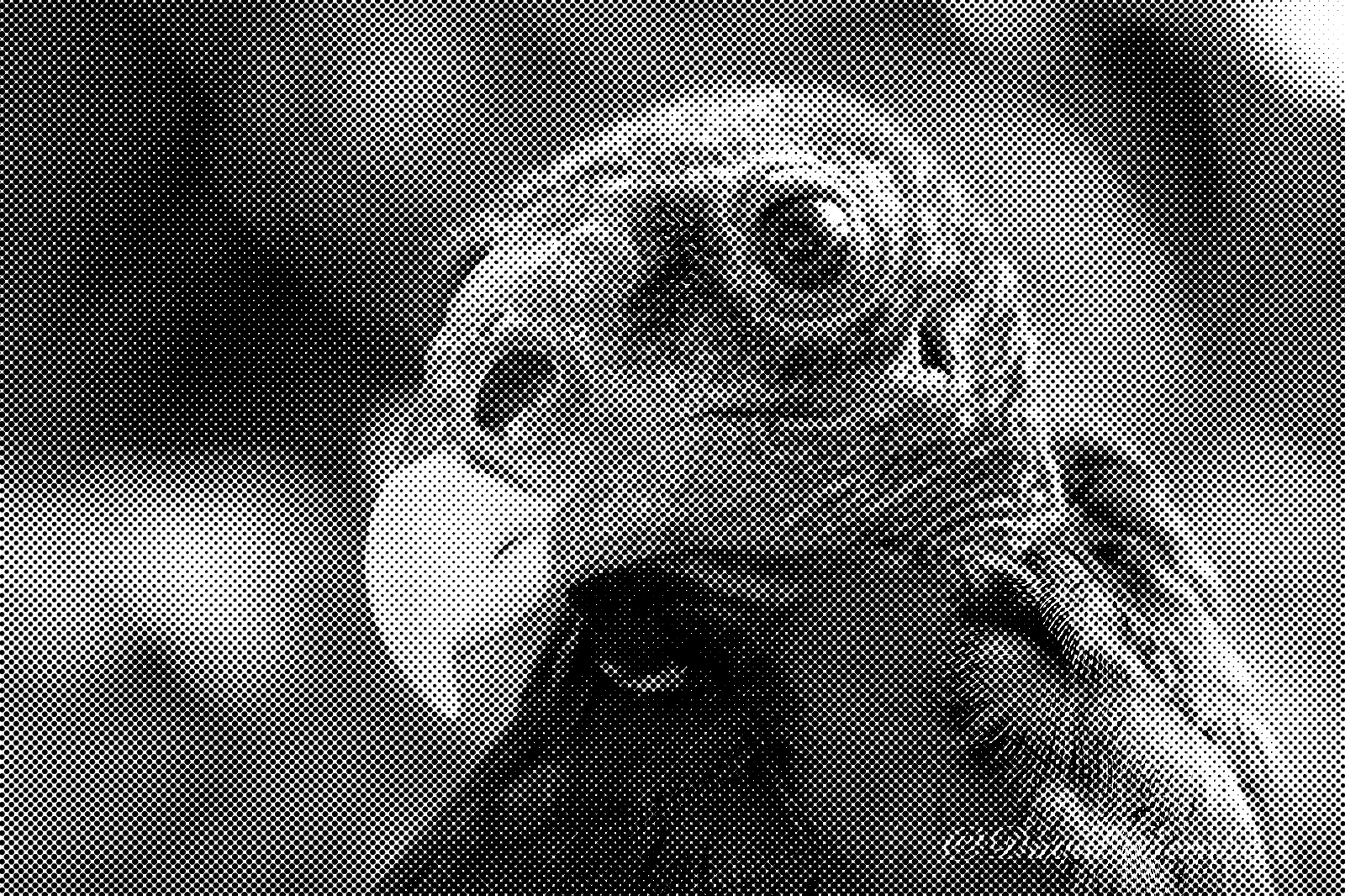
Classic dithering, then a pattern stage that redraws the image in tiled shapes: dots, lines, hexagons, stars, crosshatch and brick. Ink coverage follows the tone whatever the shape, so a star screen reads as cleanly as a dot screen, with crisp or soft edges.
- GIMP 3
- Photoshop
- Desktop app
- Command line · Enterprise
 Before After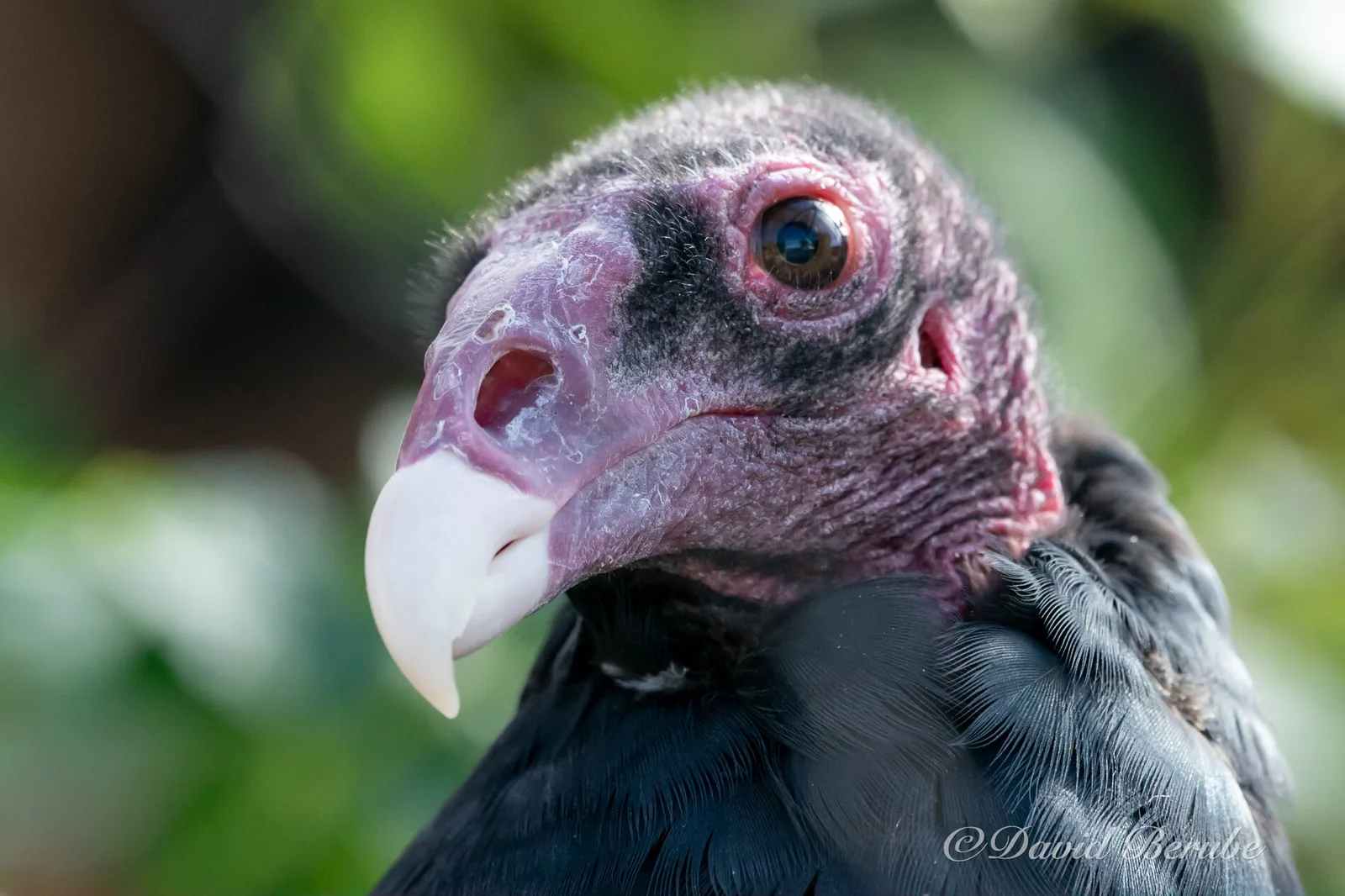
$ dithertastical vulture.png -p halftone The command that rendered it. Command-line tools come with Enterprise.
Try it live
The real filter, compiled to WebAssembly. Nothing leaves your browser.
How it works
6 steps, each doing one thing.
-
01
Input
The photograph, with an optional vignette toward black or white, placed and shaped by center, window and gamma.
-
02
Dither
Six classic error-diffusion methods, Floyd–Steinberg and Atkinson among them, or Bayer ordered dithering, to any number of levels, in one tone or per color channel. 1,2
-
03
Pattern
The image is redrawn as a grid of shapes, rotated, stretched, staggered or mirrored. Each shape is balanced so a given tone gets the same amount of ink whether it is drawn in dots, stars or bricks.
-
04
Distort
Four optional warps bend the pattern: by the image’s own brightness, around a center point (bulge, pinch, swirl), along a wave, or with random plasma. 3
-
05
Ink
Tone and pattern combine in several ways, from the classic halftone to outlines only. Edges come out clean at any size, or as soft as you like. 4
-
06
Grunge and color
Optional stains, speckle, scratches and cracks laid over the result, then a color ramp from ink to paper.
Specimens
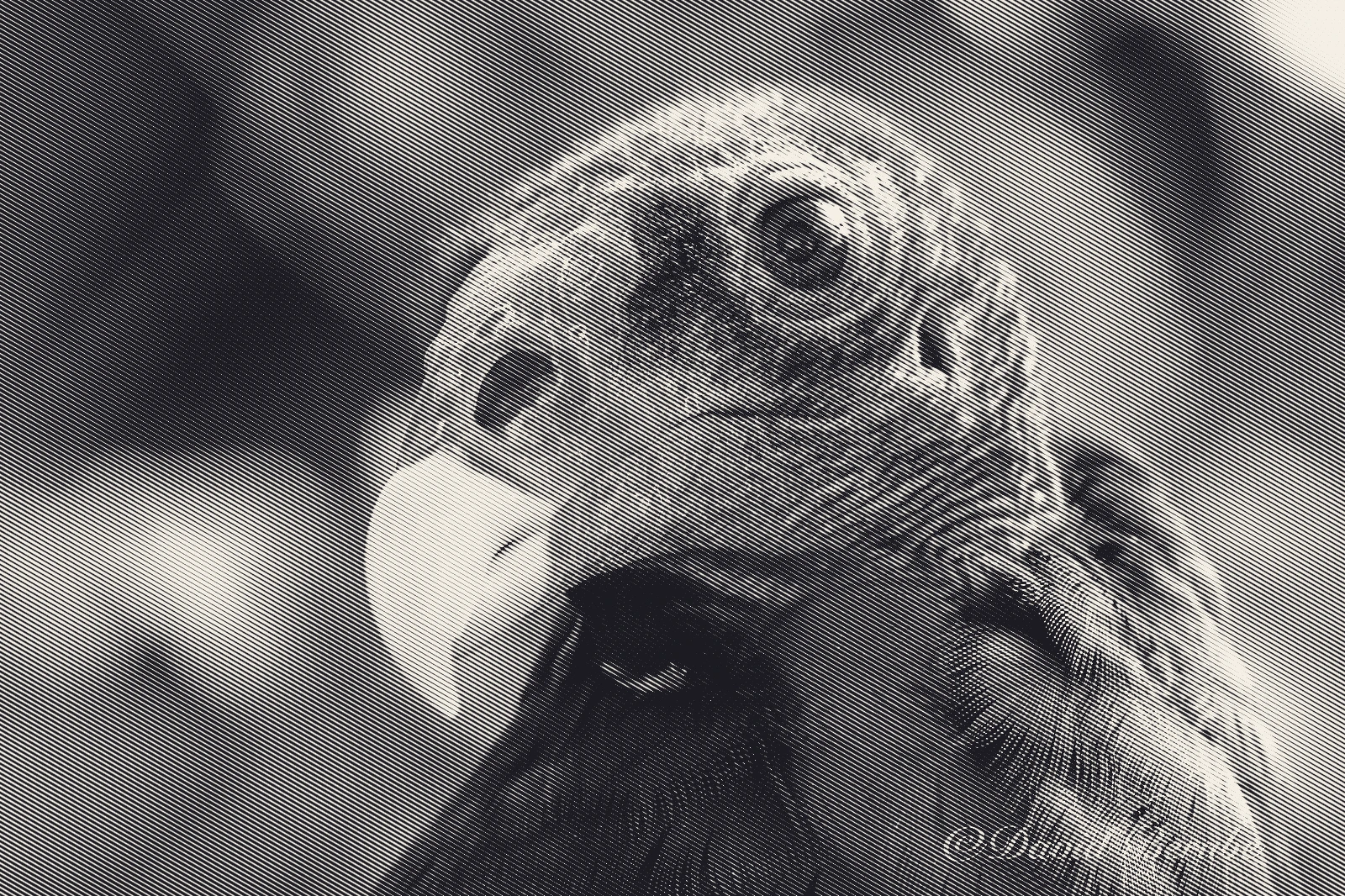
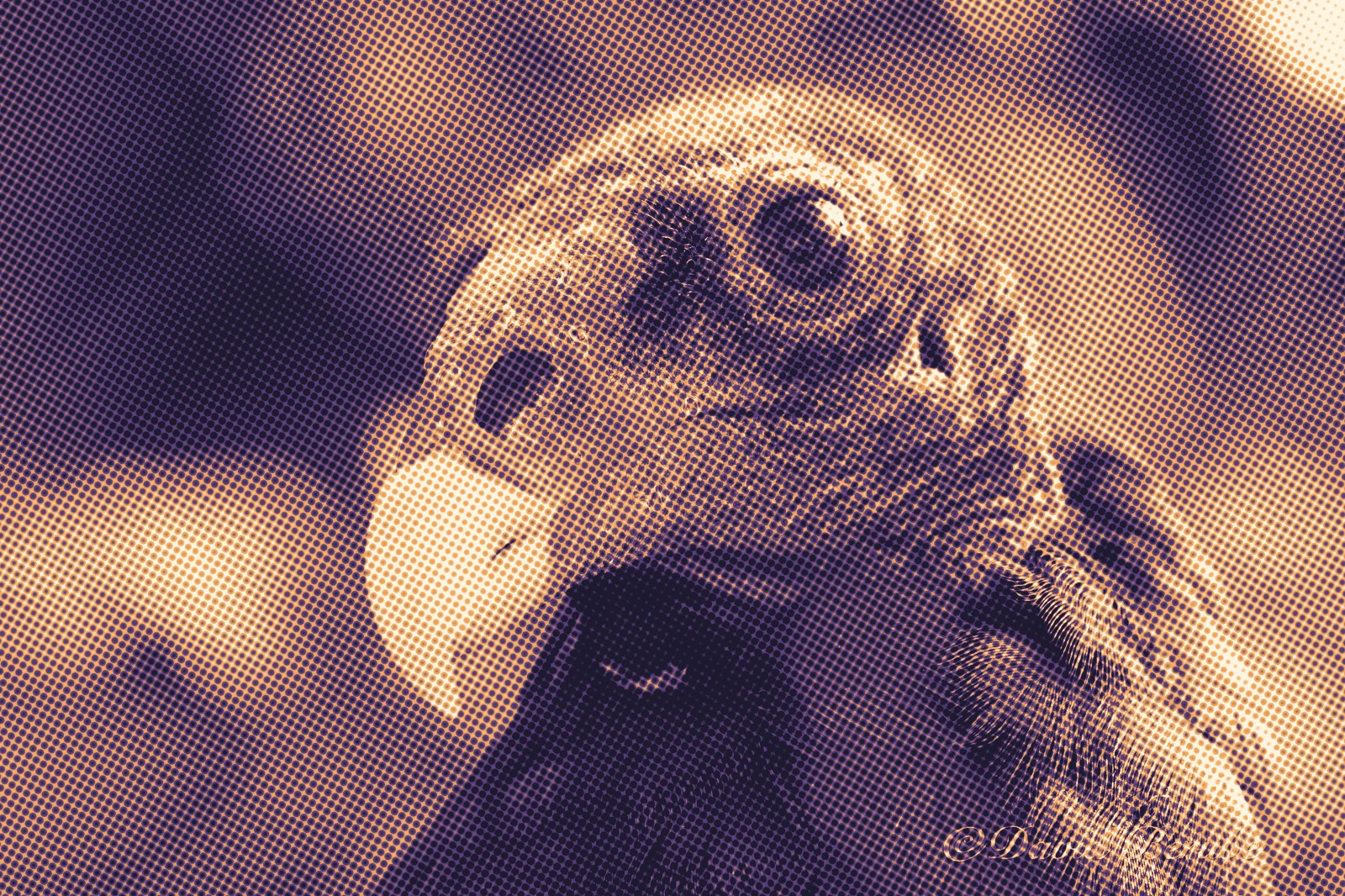
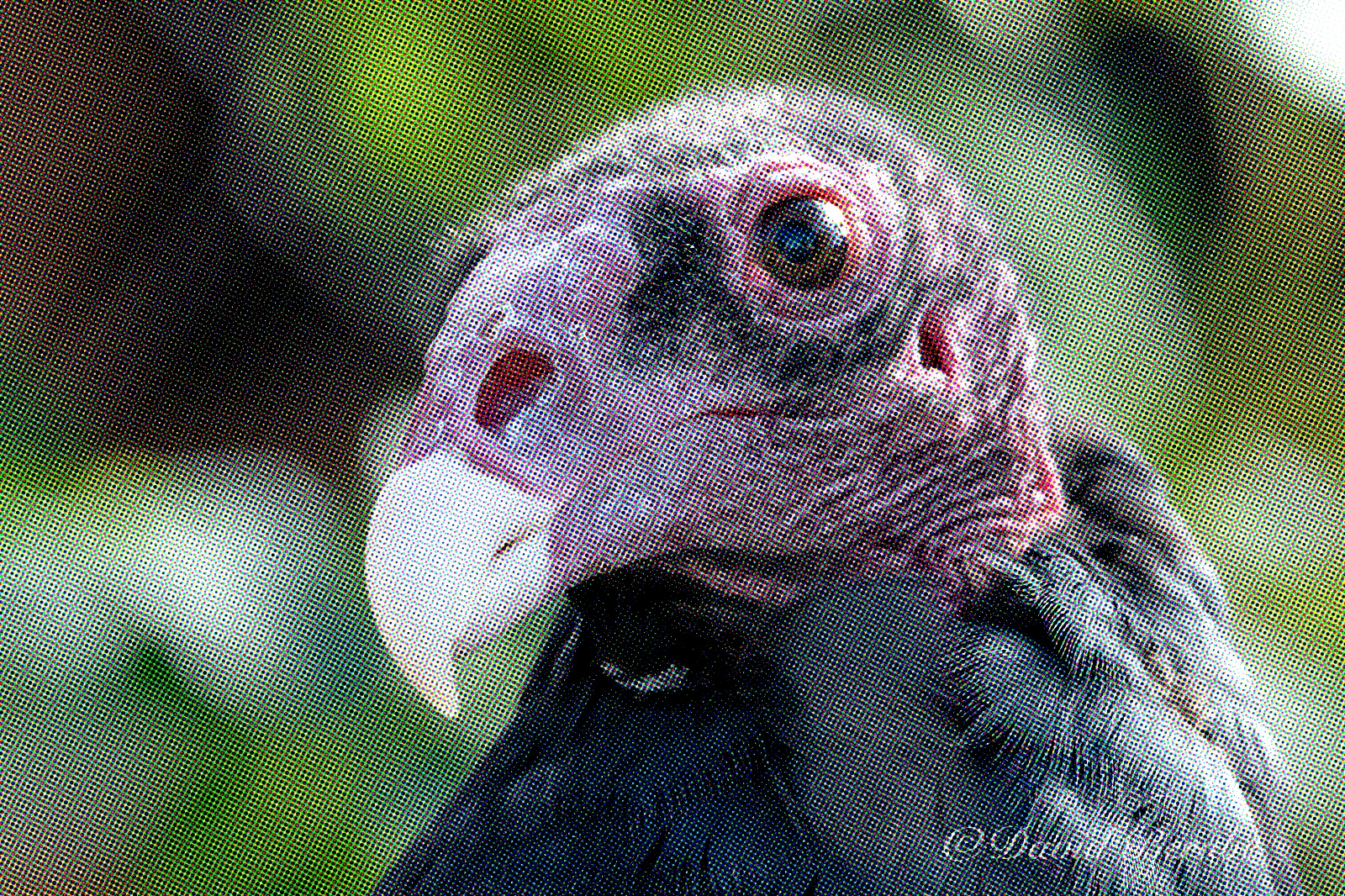
Every image here is a built-in preset run on the same photograph, unchanged.
 Before After
  Before After
  Before After
 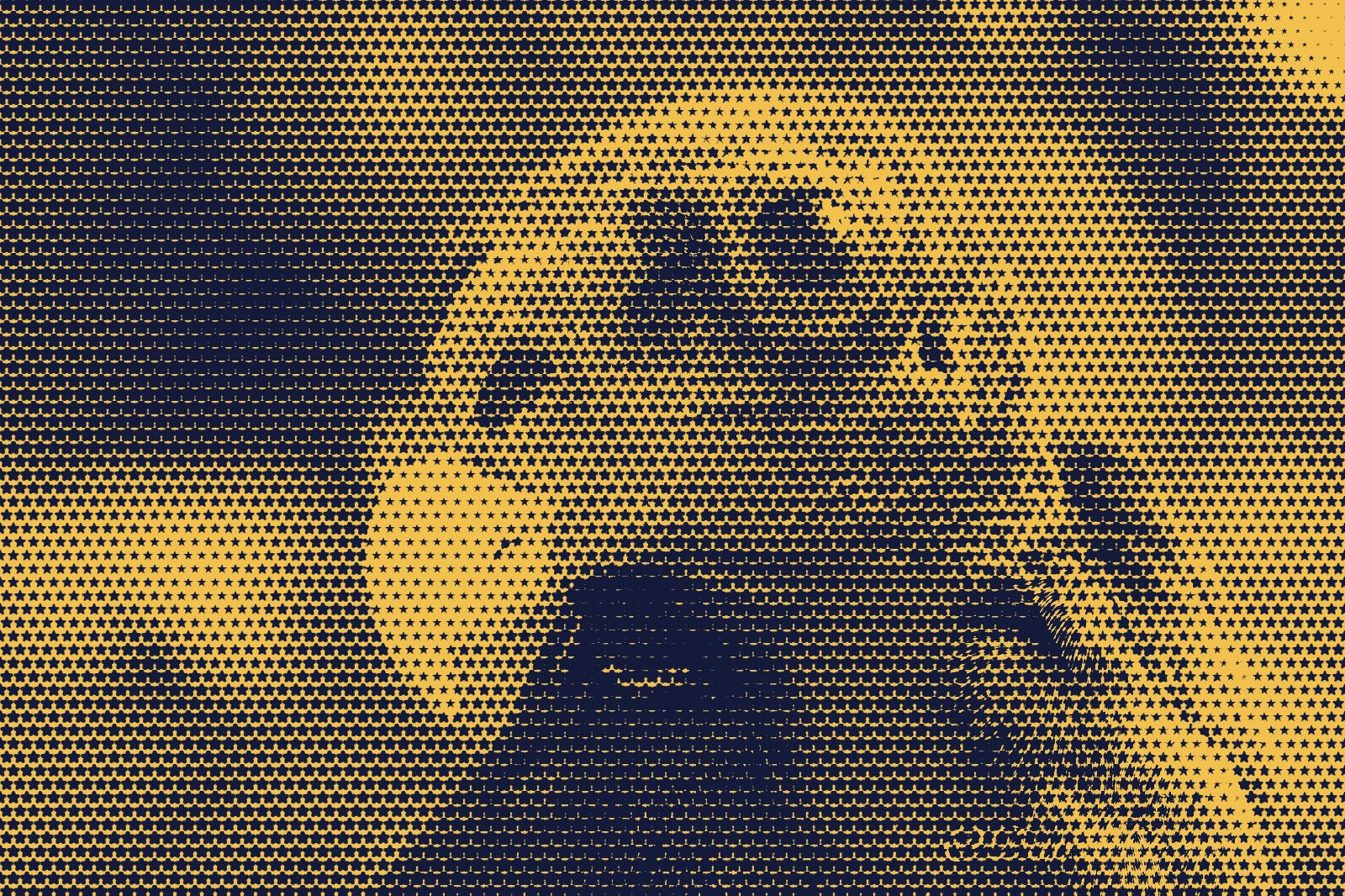 Before After
 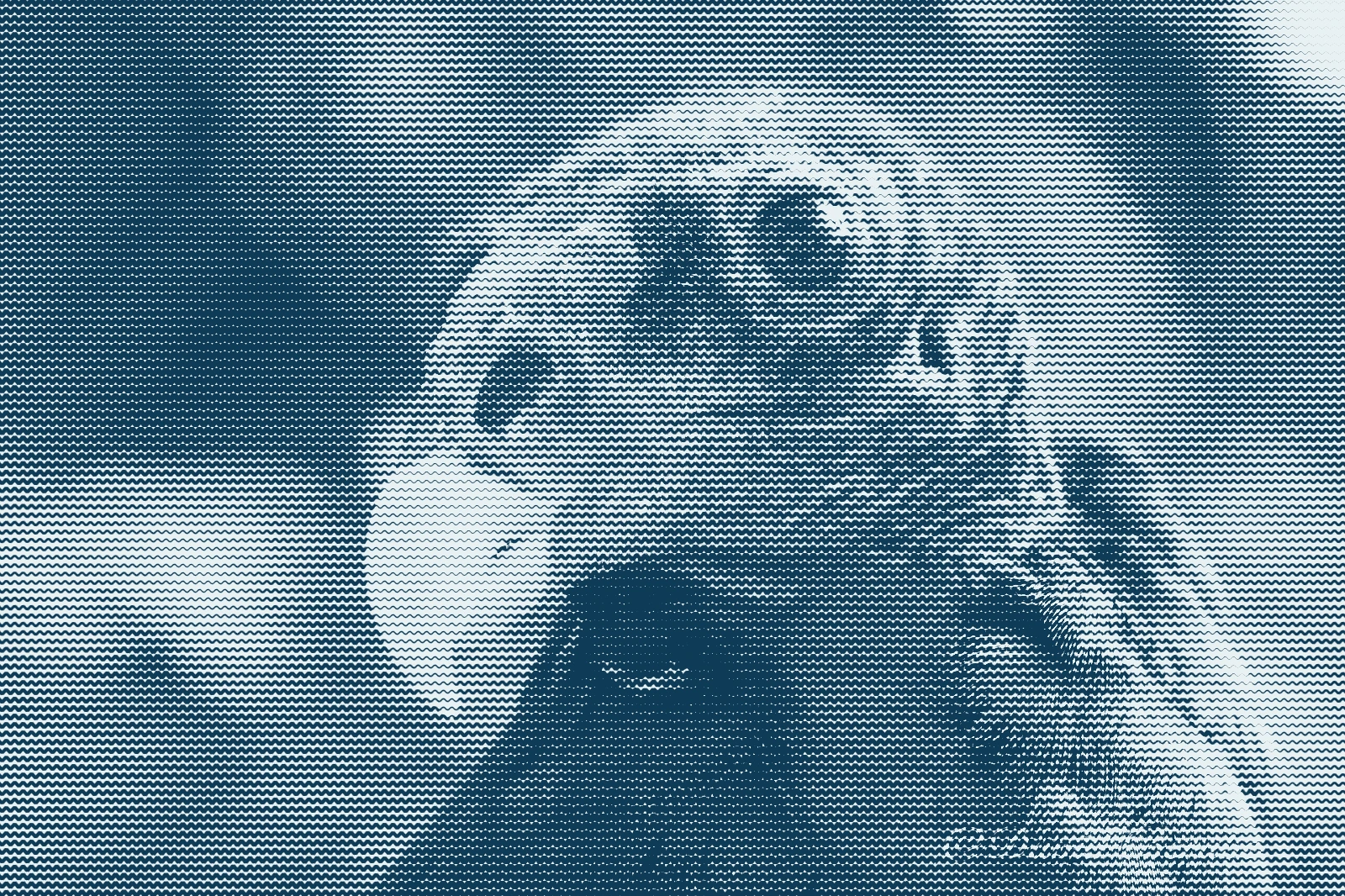 Before After
 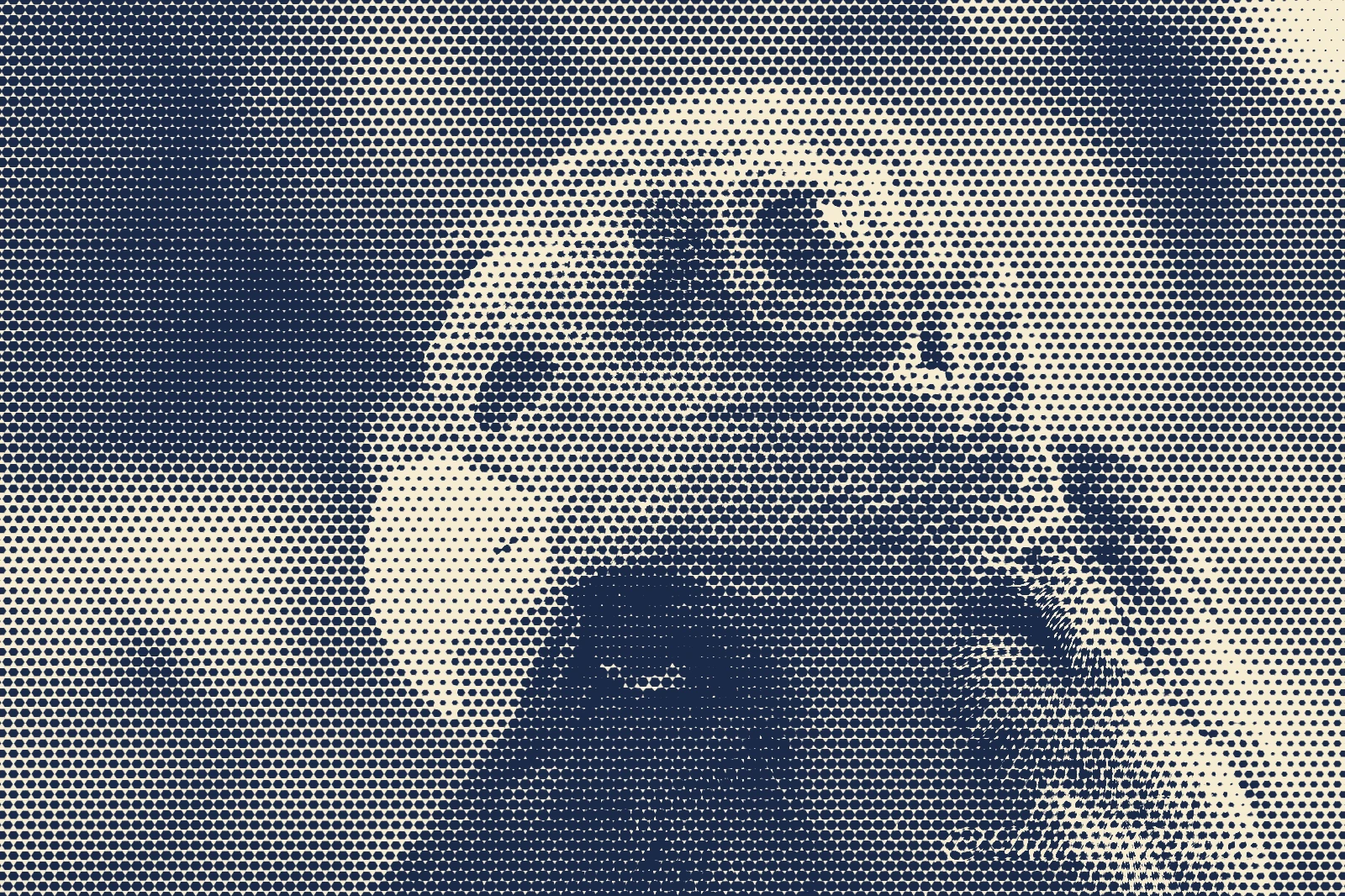 Before After
 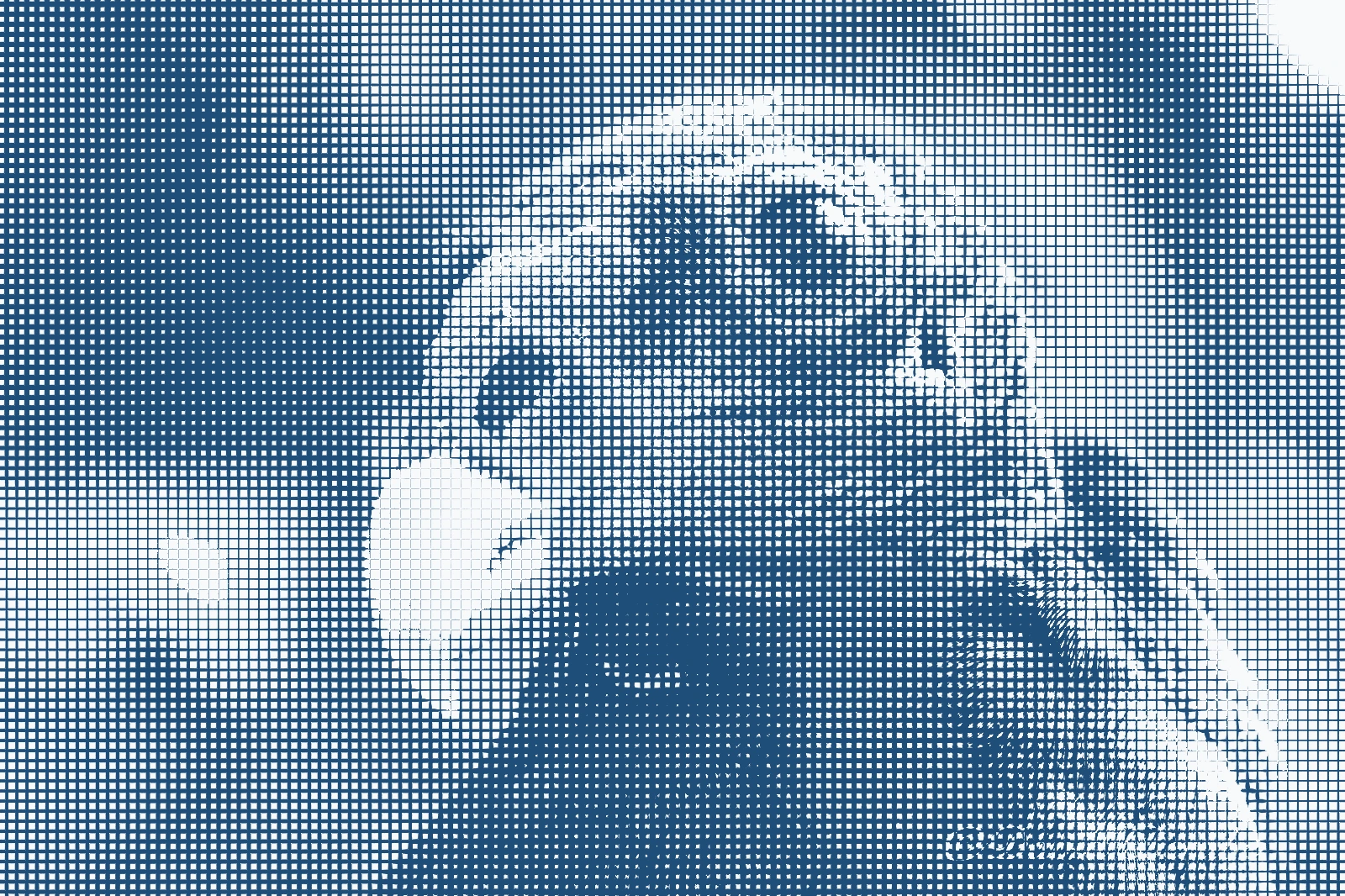 Before After
 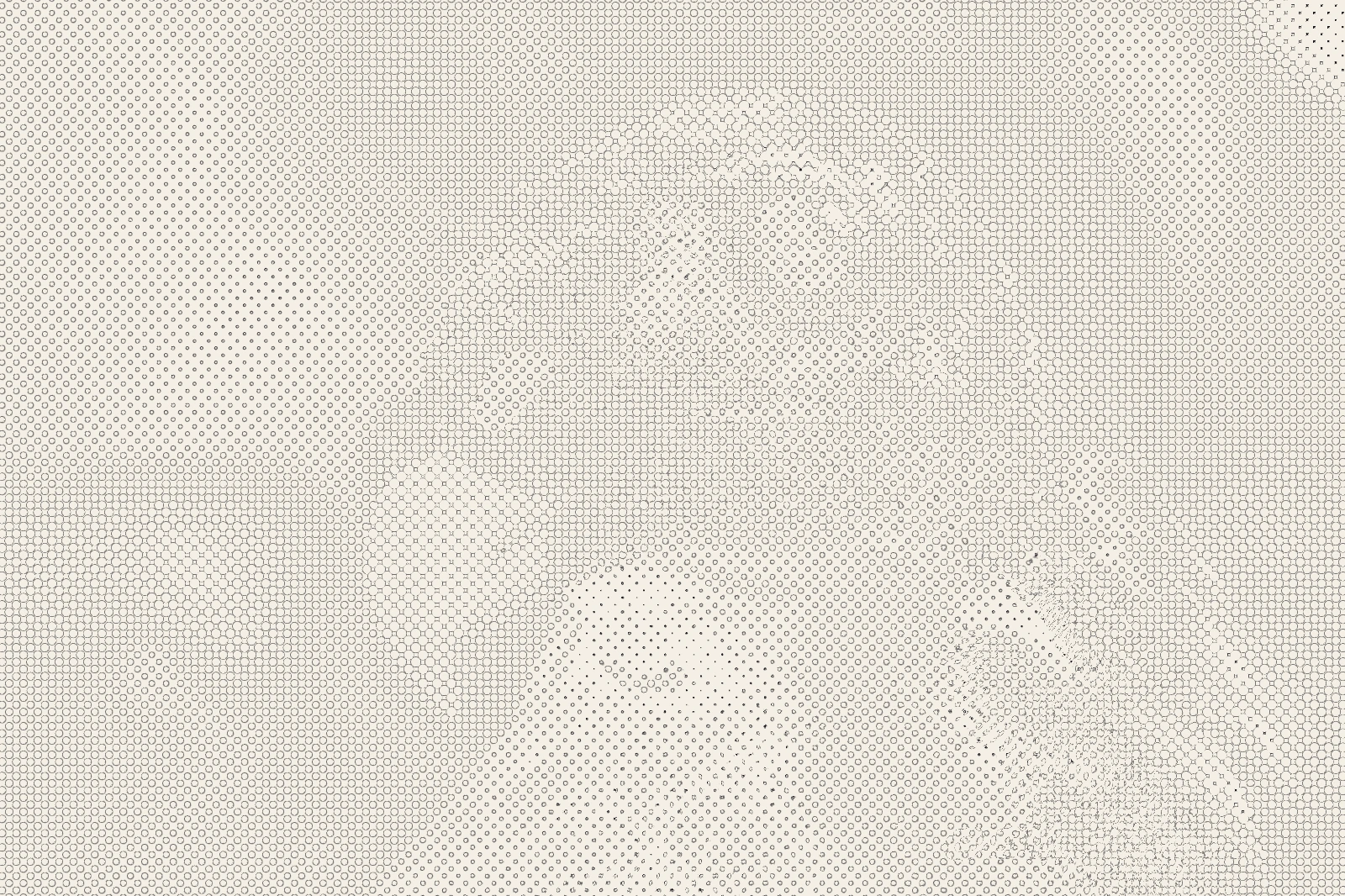 Before After
 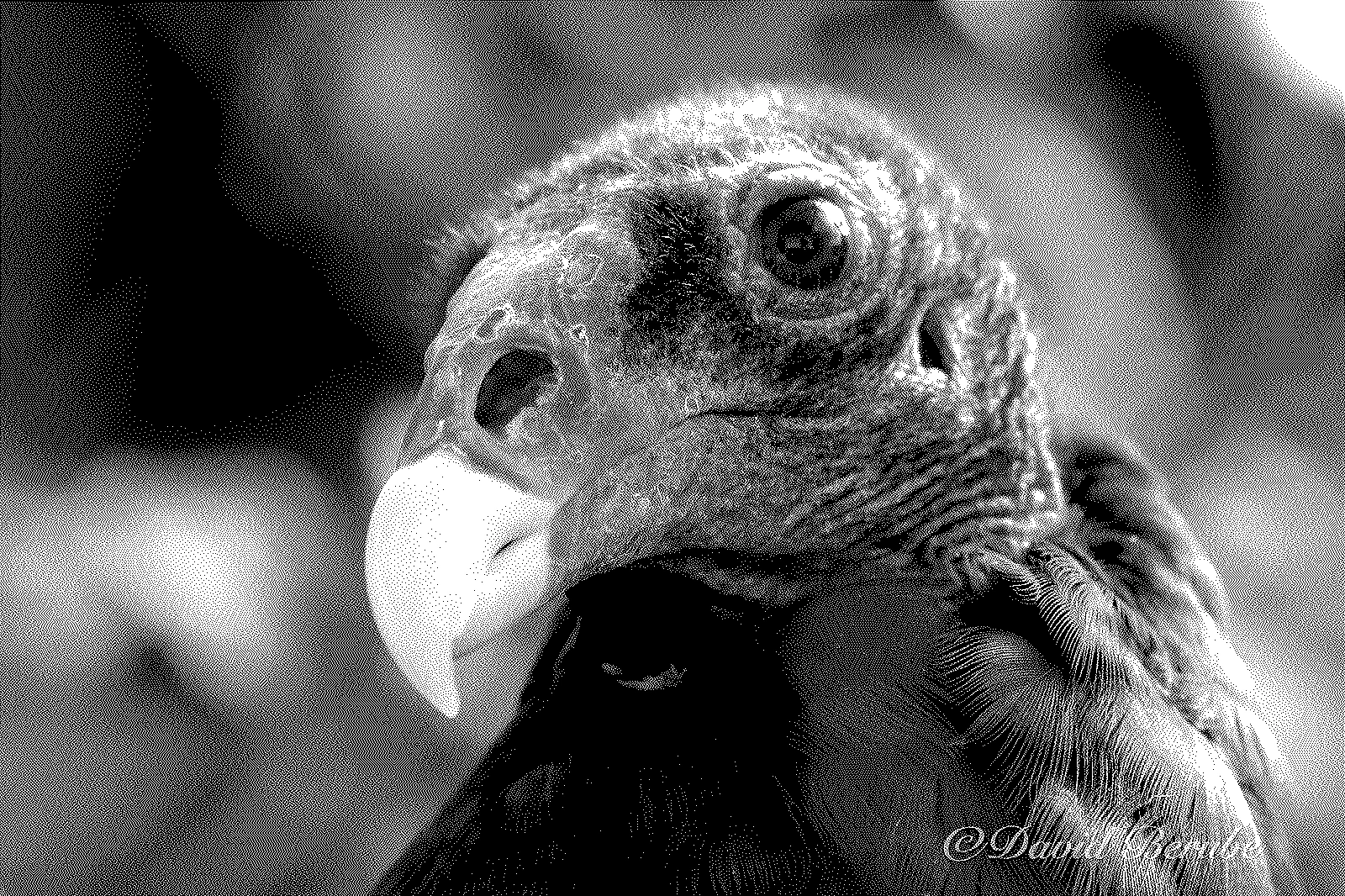 Before After
 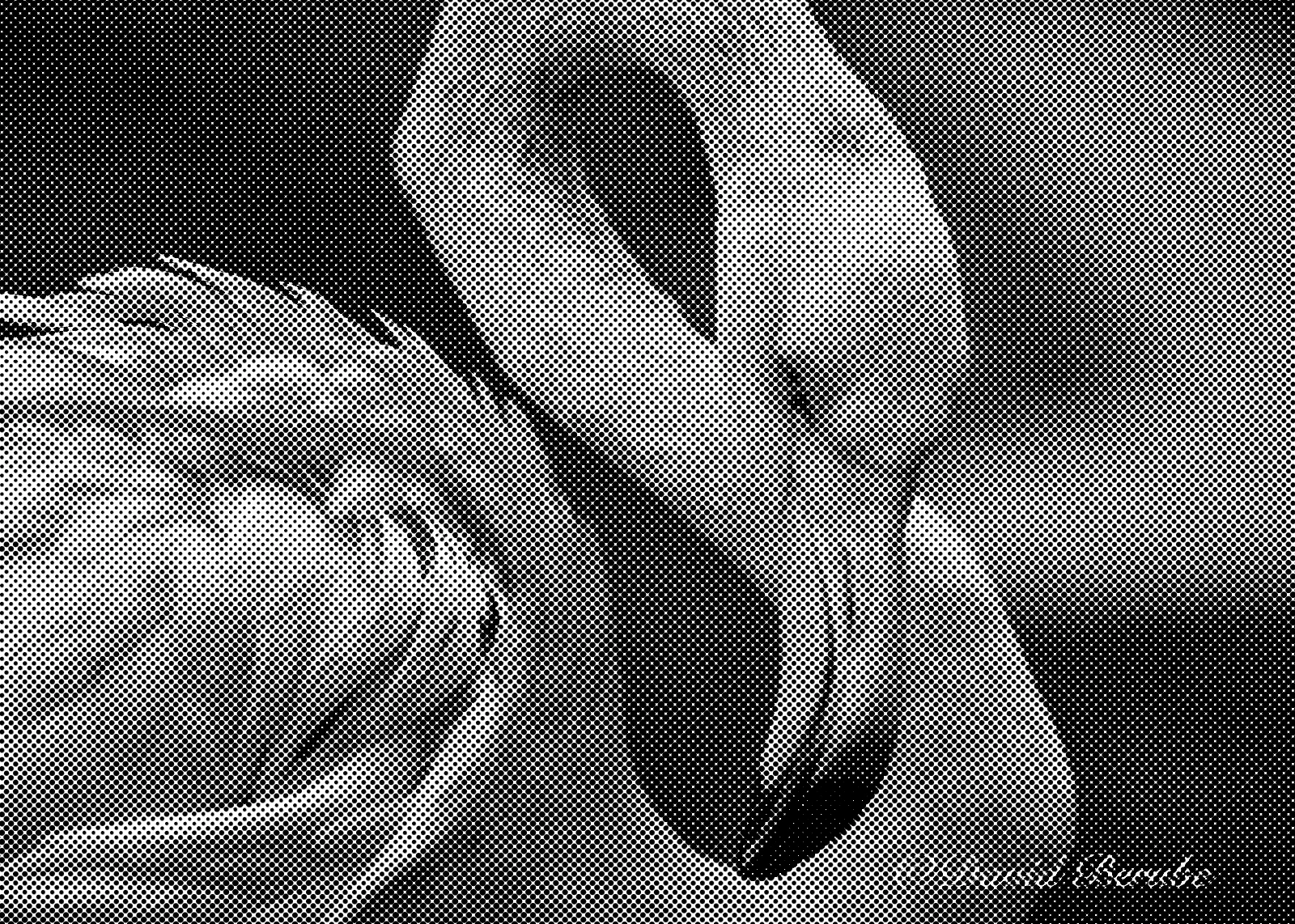 Before After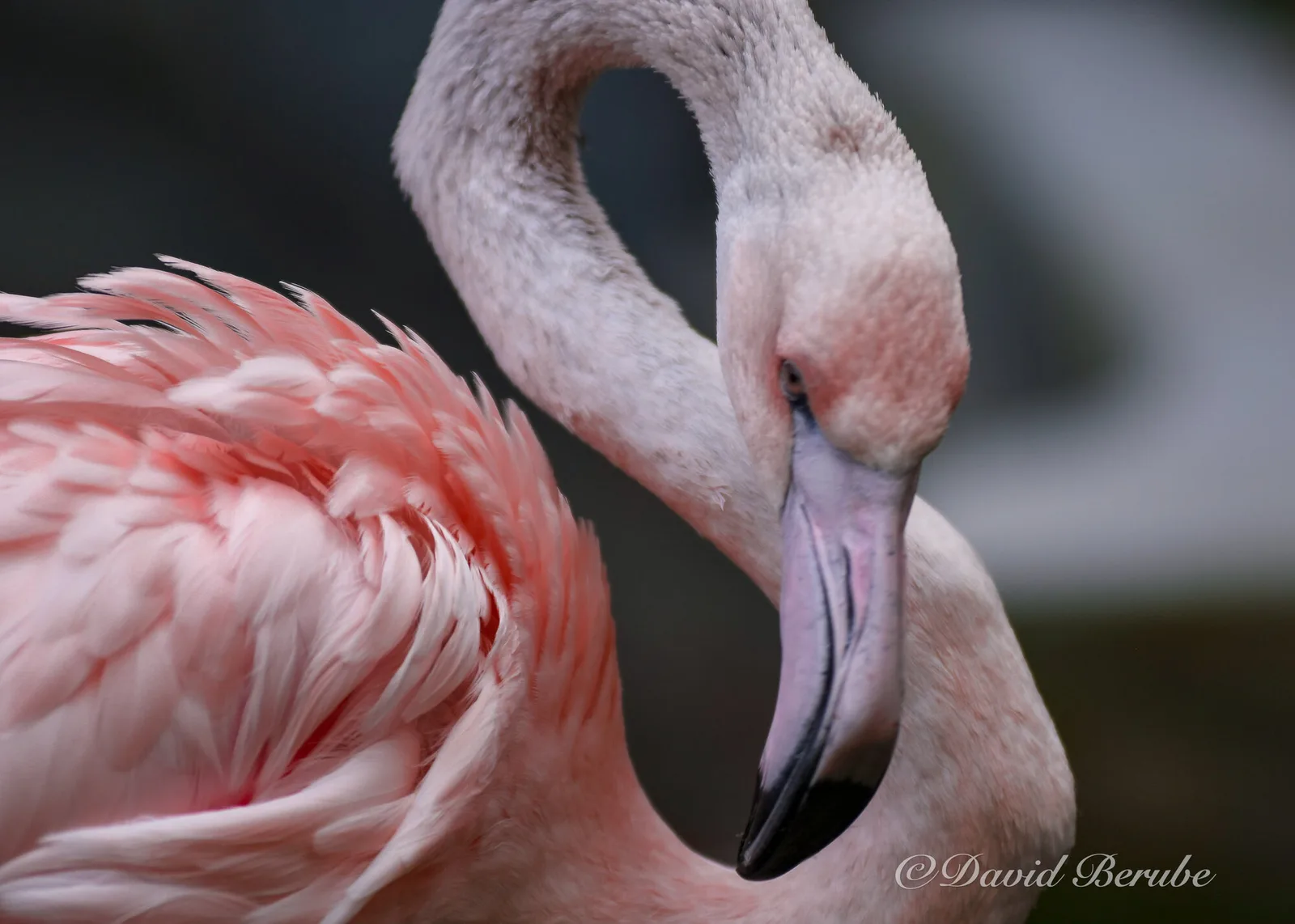
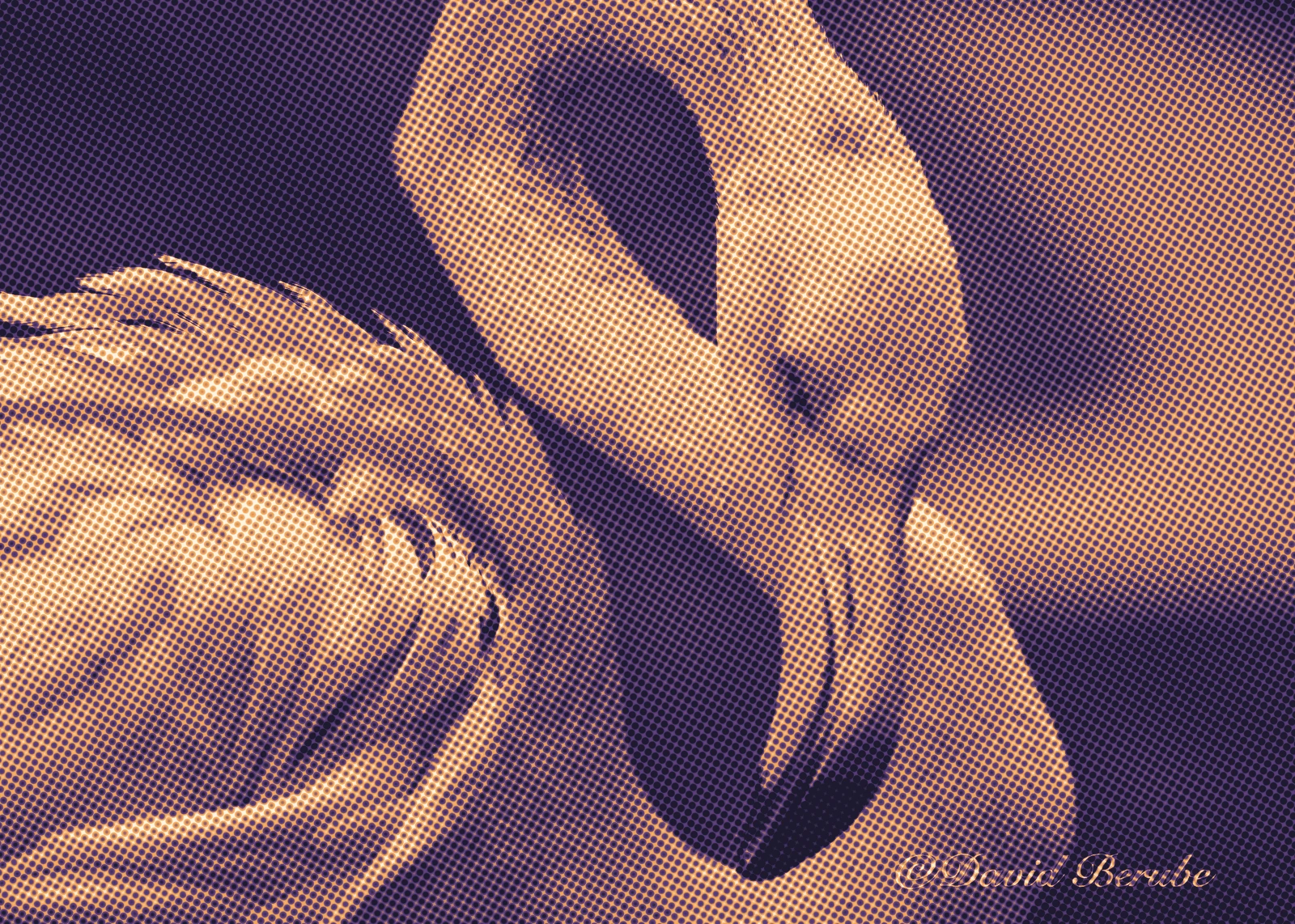 Before After
 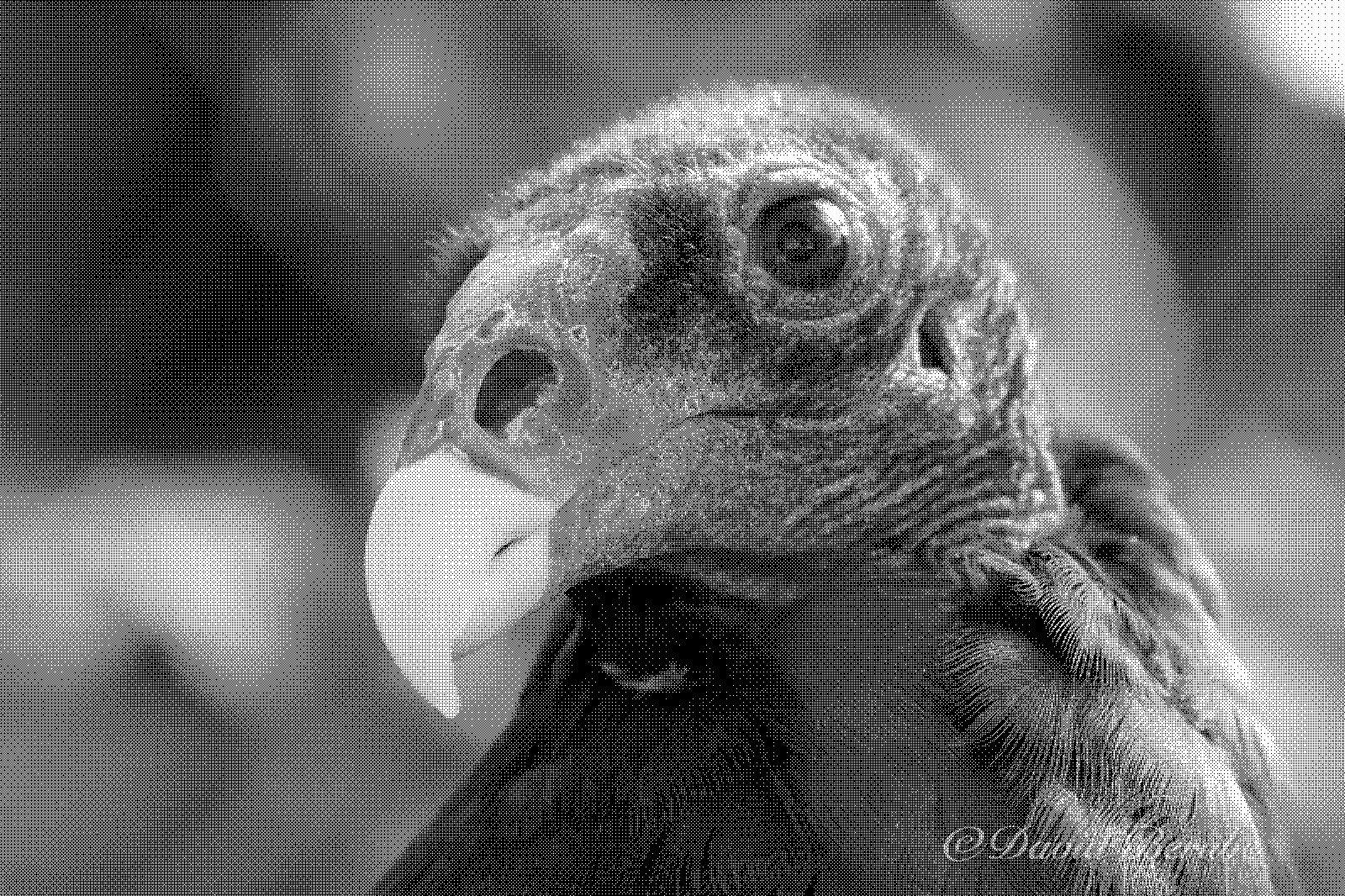 Before After
 Parameters
Every control, named.
The same names in every host and in the JSON presets. With an Enterprise license, the command-line tool reads those presets and runs them on a thousand files.
| Name | Range | Effect |
|---|---|---|
| dither | 10 methods | Error diffusion or ordered dithering, or none. |
| shape | 20 shapes | dot, line, hexagon, star, heart, wave, crosshatch, brick-wall … |
| cellSize | pixels | Cell width. Line networks want 32 px or more. |
| angle | degrees | Pattern rotation, clockwise. |
| equalize | on · off | Keep ink coverage true to the tone, whatever the shape. |
| combine | add · multiply · min · max · difference | How tone and pattern meet. |
| threshold | midpoint, width, easing | Hard or soft cut. Width 0 is a hard edge. |
| distort | luminance · center · sine · plasma | Bends the pattern. |
Hosts
- GIMP 3
- A native GIMP 3 plug-in written in C, with the filter linked in statically. GIMP 3.0 or later, Linux and Windows.
- Photoshop
- A UXP panel running the filter as WebAssembly. Photoshop 2024 (25.0) or later, macOS and Windows.
- Desktop app
- Distortionary for the desktop: open, adjust with a live preview, export. Linux and Windows; macOS later.
- Command line
- Enterprise only. The same filter as a command-line tool, for batches, build scripts and render farms. Settings load from JSON presets.
Built on
-
Floyd and Steinberg (1976)
An adaptive algorithm for spatial greyscale.
-
Bayer (1973)
An optimum method for two-level rendition of continuous-tone pictures.
-
Ottosson (2020)
OKLab, the perceptual color space the tone and color steps work in.
Notes
- 1
Jarvis, Judice and Ninke (1976). A survey of techniques for the display of continuous tone pictures on bilevel displays. Computer Graphics and Image Processing 5(1).
- 2
Stucki (1981). MECCA: a multiple-error correction computation algorithm for bi-level image hardcopy reproduction. IBM Research Report RZ1060.
- 3
Fournier, Fussell and Carpenter (1982). Computer rendering of stochastic models. Communications of the ACM 25(6). The plasma.
- 4
Crow (1977). The aliasing problem in computer-generated shaded images. Communications of the ACM 20(11).
Pricing
Dithertastical alone, or the whole set.
Dithertastical
$19 $29 at 1.0
One filter in GIMP and Photoshop, one user.
- GIMP 3 plug-in (Linux and Windows)
- Photoshop panel (2024 or later, macOS and Windows)
- Updates for the 1.x line
Complete set
Recommended $49 $89 at 1.0
All four filters in GIMP and Photoshop, plus the desktop app. One user.
- Bloomifier, Dithertastical, Grungetyper, Octodoctor
- Distortionary desktop (Linux, Windows; macOS when ready)
- Every GIMP plug-in and Photoshop panel
- New filters added to the set during beta, at no charge
Studio
$199 $349 at 1.0
The complete set for up to ten seats in one organization.
- Everything in the complete set
- Ten named or floating seats
- Invoice on request
Enterprise
Call for details
The command-line tools and libraries, for pipelines, servers and products of your own.
- Everything in the complete set
- Command-line tools for every filter
- Rust libraries, C API and WebAssembly builds
- Batch, server and render-farm use
Priced per organization.
Contact usBeta prices. A license bought now stays valid through 1.x, and you never pay the difference.